CLIs are the New AI Interfaces
The industry is currently obsessed with defining standards for how Large Language Models (LLMs) should interact with software. We see a proliferation of SDKs, function calling schemas, and protocols like MCP (Model Context Protocol). They all aim to solve the same problem: bridging the gap between natural language intent and deterministic code execution.
But we might be reinventing the wheel.
The most effective tools for AI agents aren’t those wrapped in heavy “AI-native” integration layers. They are the tools that adhere to a philosophy established forty years ago: the command-line interface.
The Unix Philosophy as an AI Protocol#
An LLM’s native tongue is text. It reasons in tokens, generates strings, and parses patterns. The Unix philosophy, which emphasizes small tools, plain text interfaces, and standard streams, is accidentally the perfect protocol for AI interaction.
Consider the anatomy of a well-behaved CLI:
- Discovery:
tool --helpexplains capabilities without hallucination. - Structure:
tool --jsonprovides deterministic output for parsing. - Composition: Pipes (
|) allow complex workflows to be assembled on the fly.
When you give an agent access to a robust CLI, you don’t need to define 50 separate function schemas. You give it a shell and a single instruction: “Figure it out using --help.”
Context Economy: Lazy vs. Eager Loading#
The current approach to agent tooling often involves dumping massive JSON schemas into the context window. Connecting to a standard MCP server might load dozens of tool definitions, involving thousands of tokens describing every possible parameter, before the user has even asked a question. This is “eager loading,” and it is expensive in terms of both latency and context window utilization.
A CLI-driven approach is “lazy loaded.”
The agent starts with zero knowledge of the tool’s internals. It burns zero tokens on schema definitions. Only when tasked with a specific goal does it invoke man or --help. It retrieves exactly the information needed to construct the command, executes it, and parses the result. This reflects the professional intuition of a senior engineer. We rarely memorize documentation. Instead, we prioritize the ability to quickly discover and apply the specific flags required for the task at hand.
Leveraging the Skills Pattern#
To bridge the gap between a raw CLI and an agent’s reasoning, we can leverage the Skills pattern. This is an emerging standard for agent-based systems where capabilities are documented as self-contained units of knowledge.
Instead of writing a Python wrapper that maps an API to a function call, you provide a Markdown file that explains when and why to use a specific CLI command. The agent uses this as a semantic index.
Here is a snippet from a logchef.md skill:
---
name: logchef
description: Query application logs via LogChef CLI. Use for investigating production incidents and analyzing traffic patterns.
---

## Common Workflows

| Goal           | Command Pattern       |
| -------------- | --------------------- |
| Error Analysis | `logchef sql "..."`   |
| Live Tail      | `logchef query '...'` |

## Example: Error Rates by Minute

To visualize error spikes, use aggregation:

```sql
logchef sql "SELECT toStartOfMinute(_timestamp) as ts, count() as errors
FROM logs.app_logs WHERE service='api-gateway' AND level='ERROR'
GROUP BY ts ORDER BY ts DESC LIMIT 60" --output json
```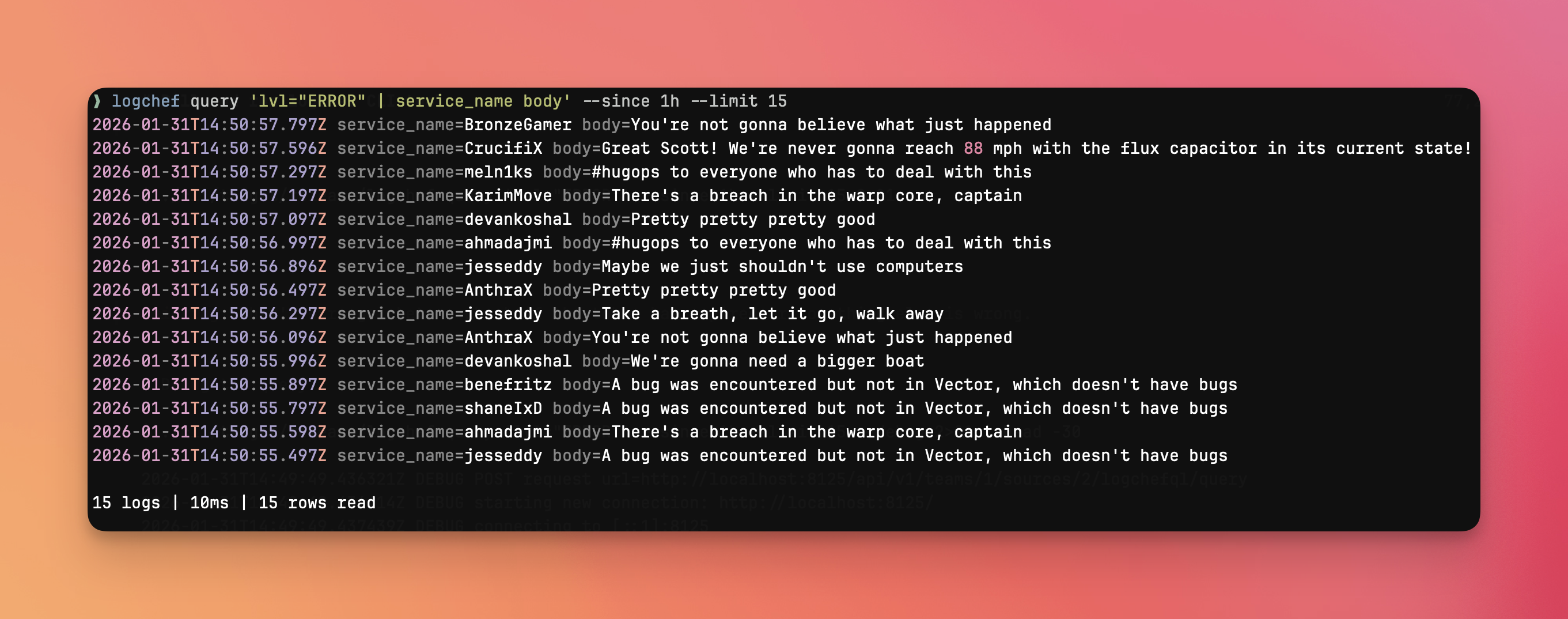
When I ask an agent to “check for error spikes in the API gateway,” Claude identifies that this skill is relevant to the request and loads it on-demand. It sees the example, adapts the SQL query to the current context, and executes the CLI command. The Markdown file serves as a few-shot prompt, teaching the model how to use the tool effectively without rigid code constraints.
I maintain similar skill sets for AWS, Kubernetes, and Nomad. The AWS skill doesn’t wrap boto3; it simply documents useful aws ec2 and aws cloudwatch commands.
The Developer Experience: uv and Single-File CLIs#
When a CLI doesn’t exist, the barrier to creating one has never been lower. Modern Python tooling, specifically uv with its inline script metadata, allows us to treat CLIs as disposable, single-file artifacts.
I recently needed an agent to manage my Trello board. Rather than fighting with the Trello API documentation or looking for an abandoned library, I had the agent generate a CLI wrapper:
#!/usr/bin/env -S uv run --script
# /// script
# requires-python = ">=3.11"
# dependencies = ["typer", "httpx", "rich"]
# ///

import typer
import httpx
import json

app = typer.Typer()

@app.command()
def list_cards(list_id: str, format: str = "table"):
    """Fetch all cards from a specific list."""
    # Implementation details...
This script is self-contained. It defines its own dependencies. It implements --help and --json automatically via typer. It took minutes to generate and immediately unlocked Trello capabilities for the agent.
The SaaS Imperative#
The strategic takeaway for SaaS founders and platform engineers is significant. Your CLI is no longer just a developer convenience; it is your primary AI API.
We are moving past the era where a REST API and a web dashboard are sufficient. If your product lacks a terminal interface, you are locking out the growing workforce of AI agents.
- Browser Automation is brittle, slow, and breaks with every UI update.
- Direct API Integration puts the burden of schema management on the user.
- CLIs offer a stable, discoverable, and composable interface that agents can learn and use autonomously.
The “hobby” CLI wrappers built by enthusiasts, such as those for Notion, Jira, or Spotify, are no longer just developer conveniences. They are becoming critical infrastructure. They provide the stable, text-based interface required for agents to interact with these platforms reliably.
If you want your platform to be AI-ready, don’t just build an MCP server. Build a great CLI. Make sure it supports --json. Write good man pages. The agents will figure out the rest.